This is how automation workflows that scale content
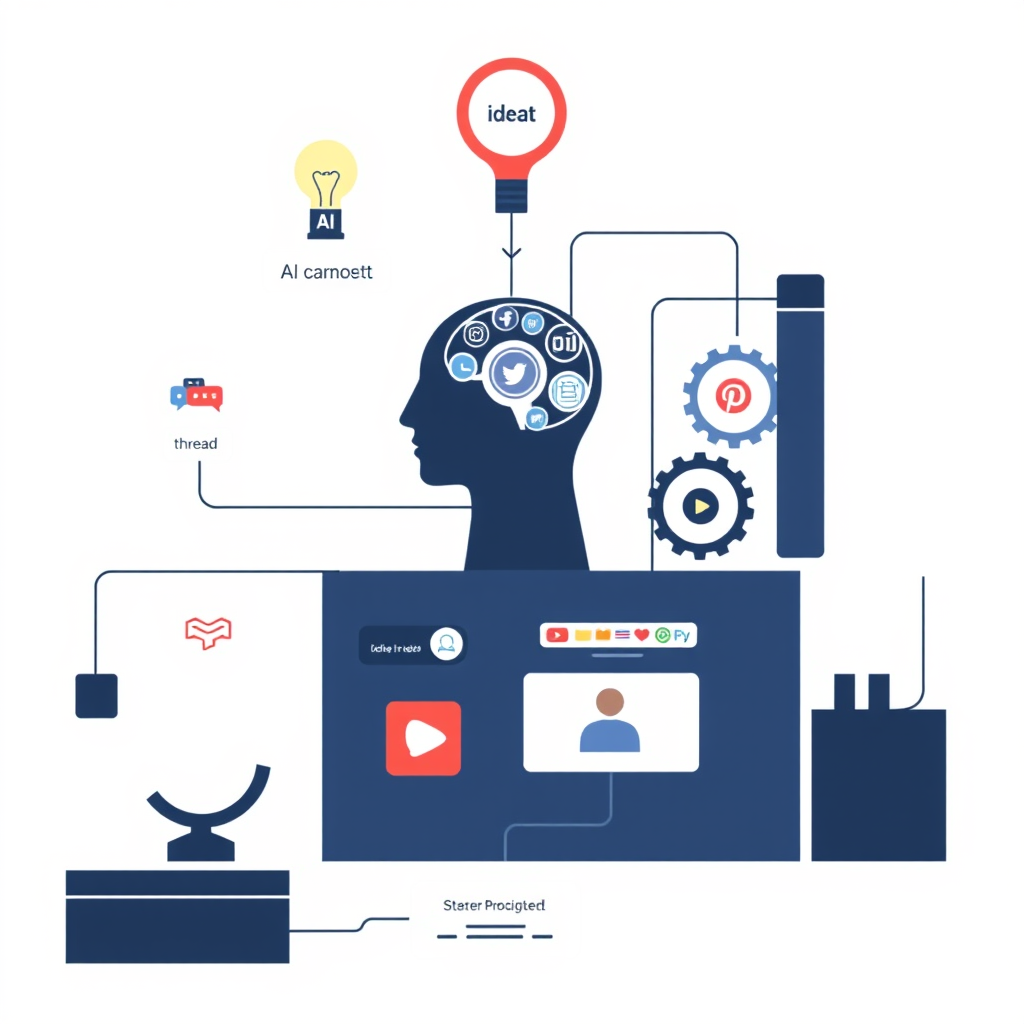
You don’t need “more discipline.” You need a system that turns one good idea into a week of content—automatically.
Because the real reason most creators plateau isn’t effort. It’s output inconsistency.
You post when you feel inspired… Then life happens… Then the algorithm forgets you exist.
This post is the exact kind of AI + automation workflow that lets solopreneurs publish like a team. Not with hustle. With pipelines.
The problem: content takes too many tiny decisions
Here’s what kills momentum:
- “What should I post today?”
- “What’s my hook?”
- “How do I repurpose this?”
- “Where’s the doc?”
- “Did I schedule it?”
- “Did I post it everywhere?”
Each question is small. But together they create friction.
The solution is to remove decisions with automation workflows. AI generates options. Automation routes them. You approve the best.
The system: Idea → Asset → Variations → Schedule (with one approval step)
This is the scalable loop:
- Capture ideas fast (voice/text)
- AI expands the idea into a “pillar” (1 strong core asset)
- AI repurposes into platform-native variations (threads, reels scripts, carousels)
- Automation organizes + schedules (calendar + drafts)
- You approve + publish (human taste stays in control)
- Feedback loop (winners become the next pillars)
The key is step 2: you’re not generating random posts. You’re generating an asset library.
My recommended stack (simple but lethal)
Ready to Automate Your Instagram Growth?
Stop manually creating content. Use AI-powered automation workflows to generate viral posts, schedule content, and grow your audience on autopilot with ViralSystems.
Pick tools you’ll actually use.
Capture + storage
- Notion or Google Docs (pillar library)
- Airtable (content database if you want structure)
AI generation
- ChatGPT / Claude (writing)
Design + video
- Canva (carousels, thumbnails)
- CapCut or Descript (short-form)
Scheduling
- Buffer / Metricool / Later (pick one)
Automation glue
- Make.com (connect everything)
The “dominate social” workflow (step-by-step)
This is the automation workflow that scales content without making it feel robotic.
Step 1) Build a simple content database (15 minutes)
Create a table (Notion or Airtable) with these fields:
- Idea (raw)
- Pillar topic (e.g., AI tools, growth, monetization)
- Target platform (X, LinkedIn, IG, TikTok)
- Content type (thread, carousel, script)
- Hook
- Draft
- Status (Inbox → Drafted → Ready → Scheduled → Posted)
- Link to assets (Canva, video)
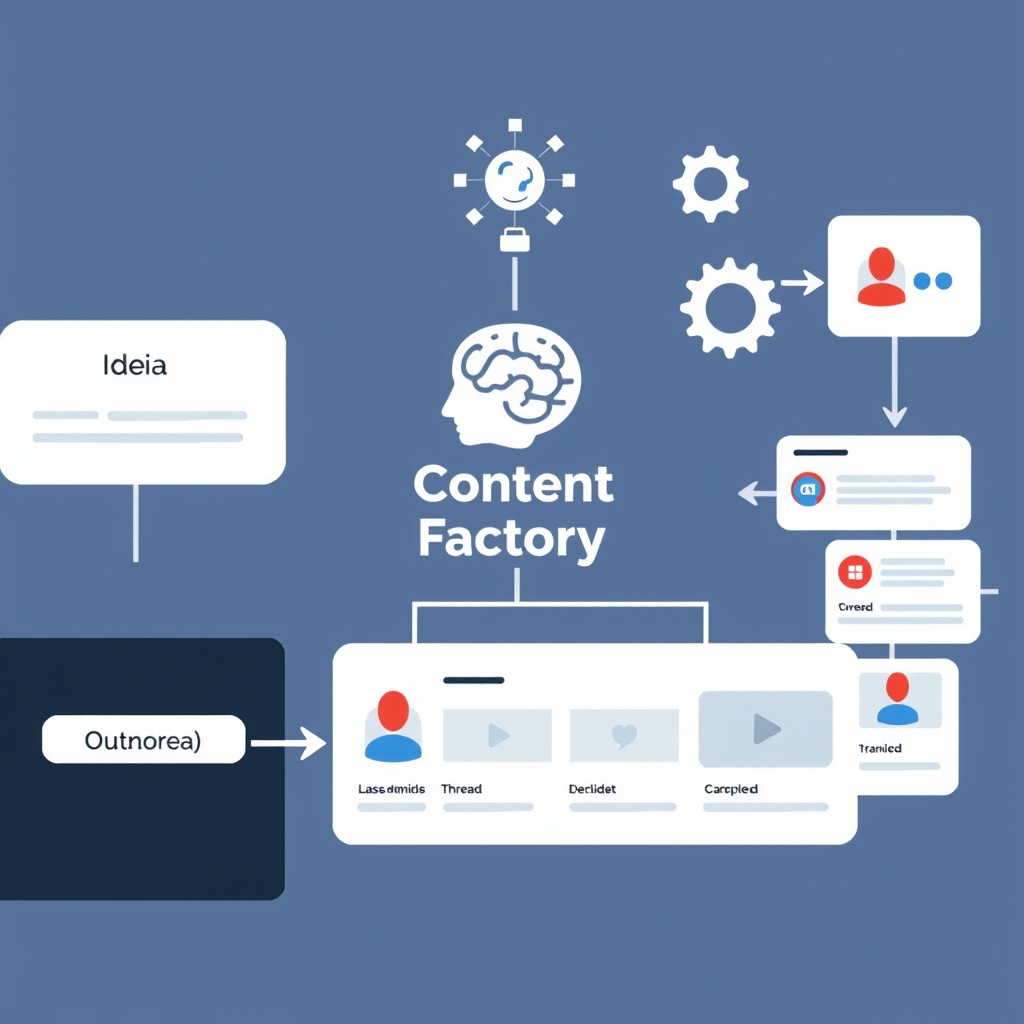
This is your “content factory dashboard.”
Step 2) Capture ideas like a machine
Rule: never open social media to “think of an idea.”
Instead, capture:
- a friction you experienced today
- a question someone asked you
- a result you got
- a mistake you made
- a hot take you believe
Fast capture workflow examples:
- Voice memo → auto-transcribe
- Telegram “Saved Messages”
- Notion inbox page
Step 3) AI turns one idea into a pillar post
Use this prompt to generate a strong, original pillar:
Pillar Prompt (copy/paste): “Take this idea and turn it into a creator-style pillar post.
- Audience: creators/marketers/solopreneurs
- Tone: casual, tactical, slightly opinionated
- Include: hook, problem, framework, steps, examples
- End with 3 punchy takeaway bullets Idea: {{paste your raw idea}}”
The goal: one “pillar” that can be chopped into 10–30 pieces.
Step 4) Repurpose into platform-native variations (AI does the repetitive work)
Now you generate derivatives.
Repurpose Prompt: “Repurpose this pillar into:
- One X thread (7–10 tweets)
- One LinkedIn post (short paragraphs, 1 strong opinion)
- One IG carousel outline (8 slides, slide text only)
- Two Reels/TikTok scripts (20–35 seconds each) Rules: keep it punchy, no fluff, give examples, unique hooks for each platform. Pillar: {{paste pillar}}”
This is where you go from “I posted once” to “I shipped an entire week.”
Step 5) Automation routes everything to the right place
Here’s where creators usually break: organizing and scheduling.
Use an automation scenario in Make.com:
Trigger: New row in your “Content Inbox”
Actions:
- Send the idea to your AI (generate pillar)
- Save pillar into Notion/Docs under “Pillars”
- Repurpose into variations
- Create new rows for each variation (X, LinkedIn, IG, TikTok)
- Create a Google Calendar draft block (optional)
- Send you a Slack/Email message: “Ready for approval”
This keeps you in a single role: editor-in-chief. Not content janitor.
Step 6) One human approval step (so it doesn’t sound like AI)
This is non-negotiable.
You should:
- rewrite the first 1–2 lines (your voice matters most in the hook)
- add one real detail (a number, a result, a mistake)
- remove generic lines (“leverage,” “unlock,” “game-changer”)
AI gives volume. You add taste.
Step 7) Schedule + recycle winners
Don’t “move on” after posting.
Create a simple rule:
- If a post performs top 20% → turn it into a pillar
- If a pillar performs → remix it every 30–60 days
Evergreen content + remixing is how small accounts look huge.
Real example: One idea → 30 pieces of content
Let’s say your idea is: “Most people fail with AI because they use it to write posts, not build systems.”
Your content outputs can become:
- X thread: “Stop using AI like a copywriter. Use it like an ops team.”
- LinkedIn post: opinion + framework + 1 short story
- Carousel: “AI won’t grow your account. Systems will.” (8 slides)
- Reels scripts:
- Script 1: “3 ways creators misuse AI”
- Script 2: “The 10-minute workflow that fixed my consistency”
- Newsletter: expand the pillar into a weekly send
- Lead magnet: “Content System Starter Kit”
One insight becomes an entire distribution week.
What to automate first (if you’re starting from zero)
Don’t automate everything. Automate the boring chokepoints.
Start with this “minimum viable automation”:
- Idea capture → database
- Database item → AI drafts
- AI drafts → organized into platform slots
That’s it.
Once that’s stable, add:
- auto-create Canva carousel briefs
- auto-generate video shot lists
- auto-build a posting calendar
- auto-log performance metrics weekly
The biggest mistake: chasing “more content” instead of better constraints
Constraints create consistency.
Try these constraints:
- 3 pillar topics only (for 30 days)
- 1 content type focus (threads OR carousels)
- 1 publishing window daily
- 1 repurpose rule (“every pillar becomes 10 derivatives”)
You don’t need infinite ideas. You need a repeatable engine.
Quick takeaways (steal this)
- Build a pipeline where AI generates options and automation routes drafts.
- Separate “pillar creation” from “repurposing.” One drives the other.
- Keep one human approval step so your voice doesn’t get diluted.
- Track winners and recycle them on a schedule.
If you build this once, you stop relying on motivation forever.
Want to build your own AI automations? Start here → Make.com
Ready to Create Viral Content?
Generate professional Instagram captions, hashtags, and posts in seconds with AI
Related Articles
The 2026 AI Content OS: One Workflow That Turns 1 Idea into 30 Posts (Without Burning Out)
Steal a creator-grade AI workflow that turns one weekly idea into a month of content: research → positioning → writing → repurposing → scheduling → analytics. Includes Make/Zapier automations, prompt templates, and a real example you can copy today.
How to social media automation that build audience
A practical, no-fluff system to turn your personal brand into a content engine using smart automation: positioning, content pillars, AI-assisted creation, scheduling, DM capture, and repurposing workflows that grow your audience consistently.
The “Content Flywheel” Workflow: Turn 1 Idea Into 30 Posts Using AI + Automation (2026 Edition)
A creator-friendly system to turn one weekly idea into a full month of posts using ChatGPT, Claude, Perplexity, Make/Zapier, and a simple approval loop—complete with prompts, automations, and real content templates.
The secret to automation workflows that create better posts
Stop grinding content manually. This creator-first automation workflow turns ideas into high-performing posts across platforms—with better hooks, consistent output, and less burnout.
Related Tools & Resources
AI Social Media Post Generator
Create complete posts with AI
ViralSystems Platform
Full automation platform for Instagram growth
AI Post Generator
Advanced post creation and scheduling
Viral Instagram Captions
Learn the secrets of viral content
Instagram Caption Generator
Generate captions instantly with AI
Instagram Hashtag Generator
Find trending hashtags for your posts